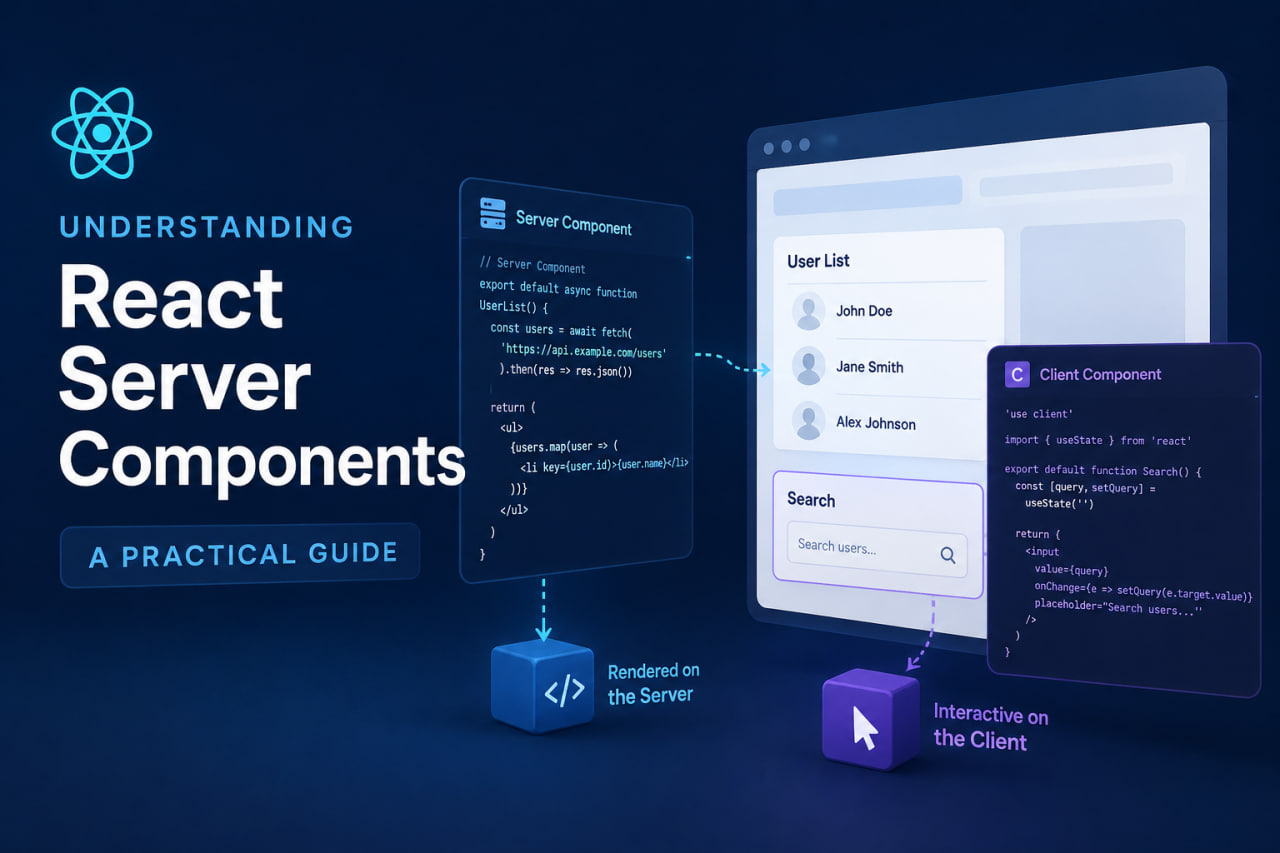
What Are React Server Components?
React Server Components (RSC) are components that render exclusively on the server. They never ship their JavaScript to the client, never hydrate, and never re-render in the browser. They are not SSR — SSR renders components on the server and sends the JS to the client for hydration. RSC sends only the rendered output.
This distinction matters a lot for performance and architecture.
The Mental Model
Think of your component tree as having two zones:
- Server zone — Components that fetch data, access databases, read env secrets, and render HTML. Zero JS shipped to the client.
- Client zone — Components that need interactivity: event handlers, state, effects, browser APIs. Marked with
"use client"at the top of the file.
In Next.js App Router, all components are Server Components by default. You opt into client-side rendering explicitly.
// Server Component (default) — no "use client"
// Can: async/await, access DB, read env vars
// Cannot: useState, useEffect, event handlers, browser APIs
async function ProductPage({ params }: { params: { slug: string } }) {
  const product = await db.products.findOne({ slug: params.slug });
  return <ProductDetail product={product} />;
}

// Client Component — needs "use client"
"use client";
function AddToCartButton({ productId }: { productId: string }) {
  const [loading, setLoading] = useState(false);
  return (
    <button onClick={() => handleAddToCart(productId, setLoading)}>
      {loading ? "Adding..." : "Add to Cart"}
    </button>
  );
}
The Performance Win
The performance benefit of RSC is real and measurable. On a product page without RSC, the browser has to:
- Download the JS bundle.
- Parse and execute it.
- Fetch data from an API.
- Re-render the component with the fetched data.
With RSC:
- The server fetches data and renders HTML.
- The browser receives rendered HTML immediately.
No loading spinner for the initial render. No client-side data fetch. No JS for purely presentational components.
This portfolio's blog pages use RSC — when you navigate to a post, the content is rendered server-side and arrives as HTML. No client-side fetch, no flash of loading state.
Data Fetching Patterns
RSC makes data fetching simple and co-located:
// Fetch directly in the component that needs the data
async function BlogPage() {
  const posts = await getBlogPosts(); // direct DB call or API fetch
  return (
    <main>
      {posts.map(post => <BlogCard key={post.id} post={post} />)}
    </main>
  );
}

// Parallel fetching — both requests fire simultaneously
async function DashboardPage() {
  const [user, stats] = await Promise.all([
    getUser(),
    getDashboardStats(),
  ]);
  return <Dashboard user={user} stats={stats} />;
}
No useEffect, no useState, no loading states for the initial render.
The "use client" Boundary
When you add "use client" to a component, that component and everything it imports becomes client-side JavaScript. This is the boundary between the two zones.
Common mistake: putting "use client" on a component high in the tree because one small child needs interactivity. This sends the entire subtree's JS to the browser.
Solution: Push the "use client" boundary as low (leaf-ward) as possible.
// ❌ Entire page becomes client JS because of one button
"use client";
async function ProductPage() { ... }

// ✅ Only the button is client JS
async function ProductPage() {
  const product = await getProduct();
  return (
    <article>
      <h1>{product.name}</h1>
      <p>{product.description}</p>
      <AddToCartButton productId={product.id} /> {/* client component */}
    </article>
  );
}
When NOT to Use Server Components
- Any component with
useState,useEffect, or event handlers — must be"use client". - Components that use browser-only APIs (
window,document,localStorage). - Components that use React context (consumers must be client components).
- Highly interactive UIs where the latency of a server round-trip would hurt UX.
Practical Takeaway
Default to Server Components. Only reach for "use client" when you actually need interactivity or browser APIs. The result is a faster app with less JavaScript shipped to the browser.