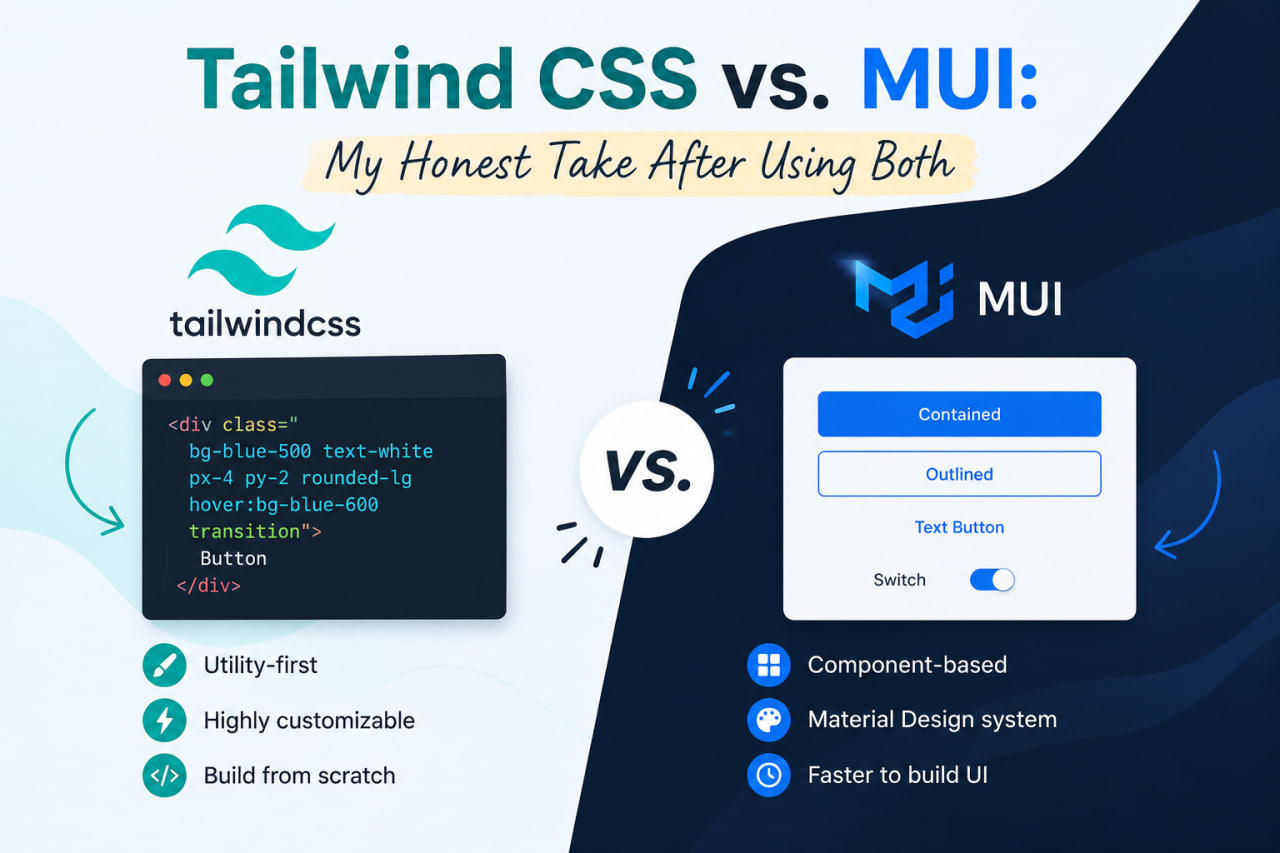
The Setup
I've used Material UI (MUI) heavily for desktop apps — specifically WPF-style panels and admin dashboards in .NET/Blazor environments via MudBlazor. On the web side, my last several projects have all used Tailwind CSS. Here's what I've learned.
Material UI: Batteries Included
MUI gives you a complete design system. Buttons, modals, data tables, date pickers — everything is pre-built and accessible. For teams without a dedicated designer, this is enormously valuable. You ship faster in the beginning.
The downsides show up at scale:
- Bundle size is significant unless you're careful with tree-shaking.
- Customizing the theme to match a specific brand takes real effort.
- The styling API (sx prop, styled(), theme overrides) has a steep learning curve.
- It's opinionated — everything looks like Material Design.
Tailwind CSS: Utility-First Freedom
Tailwind flips the model. There's no component library — just low-level utility classes. You build your own components, which means:
- Complete design freedom.
- No runtime CSS-in-JS overhead.
- Tiny final bundle (PurgeCSS removes unused classes).
- Every team member writes styles the same way.
The cost is upfront investment. You need to build (or install) your own component library. Consistency requires discipline. The class lists can get long.
My Recommendation
Use MUI when: you're building an admin dashboard or internal tool, you have a tight deadline, your team doesn't have strong CSS skills, or you need complex pre-built components like data grids.
Use Tailwind when: you're building a customer-facing product with a custom design, performance matters, or you want full control over every pixel.
For this portfolio — and most client-facing projects — I choose Tailwind every time.