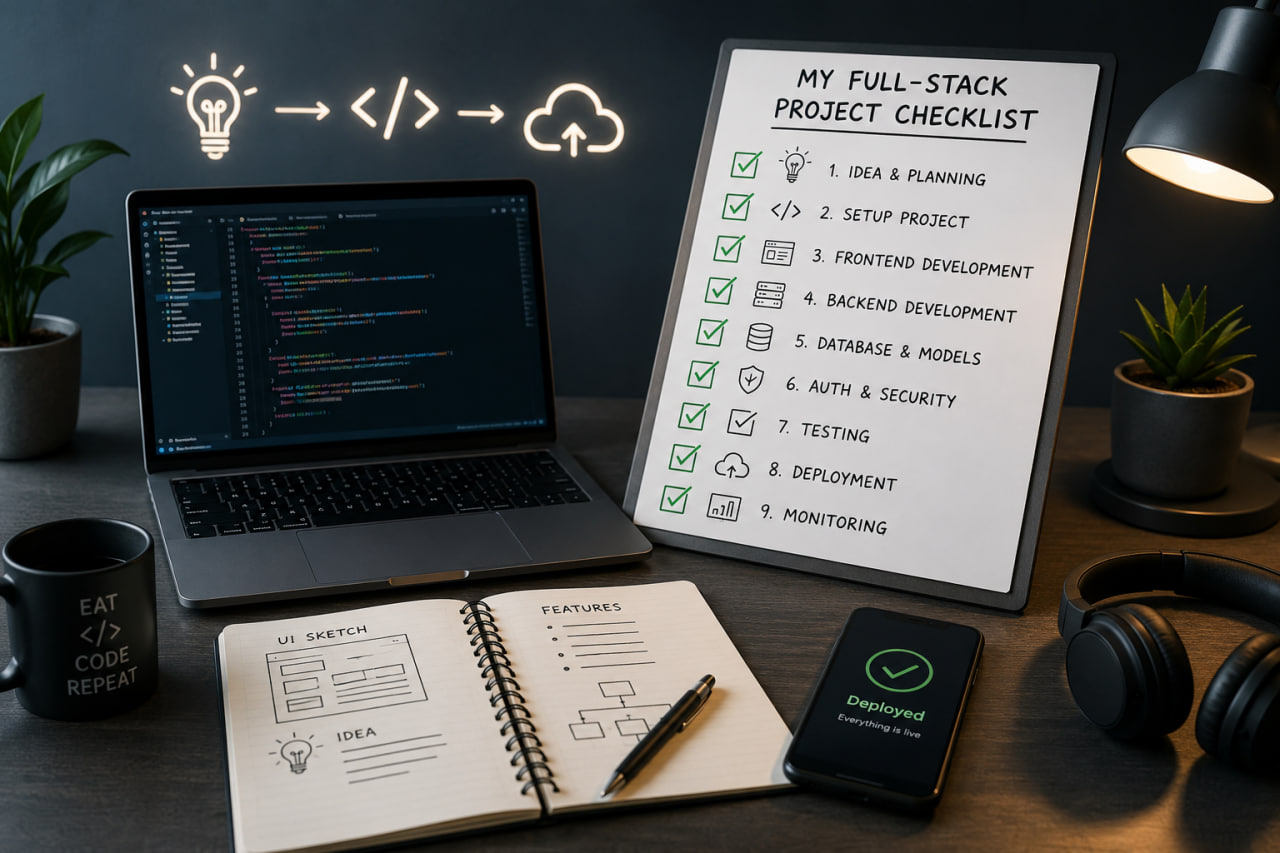
Why a Checklist?
Every experienced developer has been burned by the same categories of problems: no error monitoring until production crashes, no backups until data is lost, no rate limiting until someone hammers the API. A checklist externalizes that experience so you don't rely on memory.
This is mine — adapted over several real projects.
Phase 1: Project Setup
Repository
- Initialize Git, set up
.gitignore(usegitignore.iofor your stack) - Add a
README.mdwith: what the project is, how to run it locally, environment variables needed - Protect the
mainbranch — require PRs, disable direct push - Set up Conventional Commits + Husky pre-commit hooks
Environment
- Create
.env.examplewith all required keys (no values) — commit this - Add
.env.localto.gitignore— never commit this - Document each env variable: what it is, where to get it
Code Quality
- ESLint with project-appropriate rules
- Prettier with a
.prettierrcso formatting is never a discussion - TypeScript strict mode (
"strict": truein tsconfig) - Path aliases (
@/) configured in tsconfig and Next.js config
Phase 2: Architecture Decisions
Document these early. Changing them later is expensive.
Data layer
- Which database? (Relational vs document — see my post on MongoDB vs SQL)
- ORM or query builder? (Prisma, Drizzle, Mongoose, raw SQL)
- Where does data fetching live? (Server Components, API routes, separate backend)
Auth strategy
- No auth, or auth? (Don't add it if you don't need it yet)
- Sessions (NextAuth) or JWTs?
- Which OAuth providers?
- Do you need role-based access control?
State management
- Server state: React Query / SWR / native
fetchin Server Components - Client state:
useState/useReducer/ Zustand — pick based on complexity, not habit
File storage
- Where do user-uploaded files go? (Cloudflare R2, AWS S3, Vercel Blob)
- What's the max file size? What types are allowed?
Phase 3: Core Infrastructure
Error handling
- Global error boundary in the React tree
- Centralized API error handler (see my REST API post)
- Error monitoring service connected (Sentry is my default — free tier is generous)
- All async functions have try/catch or .catch()
Logging
- Structured logging in production (JSON format, not console.log)
- Log levels: debug for development, info/warn/error for production
- Request logging middleware (morgan or a custom solution)
- Never log sensitive data (passwords, tokens, PII)
Security
-
helmet()middleware on all API routes - CORS configured with an explicit allowlist, not
* - Rate limiting on auth endpoints (at minimum)
- Input validation on every API endpoint (Zod)
- Parameterized queries — no string concatenation with user input
- Dependencies audited:
pnpm audit
Performance
- Images served through
next/imageor a CDN - Database queries have indexes on frequently-filtered columns
- Heavy routes are code-split (
next/dynamic) - API responses include appropriate cache headers
Phase 4: SEO and Metadata
-
<title>and<meta name="description">on every page - Open Graph tags (
og:title,og:description,og:image) for social sharing -
robots.txt— allow or block crawlers as needed -
sitemap.xml— auto-generated from your routes - Canonical URLs to prevent duplicate content penalties
- Structured data (JSON-LD) for entities that benefit from rich snippets (articles, products, local business)
Phase 5: Before Going Live
Testing
- Critical user paths manually tested: sign up, sign in, core feature, sign out
- Test on mobile (actually on a device, not just browser resize)
- Test with slow network (Chrome DevTools → Network → "Slow 3G")
- Test with JavaScript disabled (if SEO matters)
Infrastructure
- Environment variables set on the hosting platform — not hardcoded
- Database backups scheduled and tested (restore once, not just export)
- Deployment process documented: how do you release a new version?
- Domain, SSL certificate, DNS records verified
Monitoring
- Uptime monitoring (Better Uptime, UptimeRobot — both have free tiers)
- Error monitoring alerting to email or Slack
- Core Web Vitals baseline measured (Google PageSpeed Insights)
Phase 6: After Launch
The work doesn't stop at deployment.
- Set a calendar reminder to audit dependencies monthly
- Review error logs weekly for the first month
- Monitor server costs — serverless functions can surprise you
- Collect user feedback early, even informally
The Real Lesson
No project ships with this checklist 100% complete — and that's fine. The value is knowing which boxes you've consciously skipped and why. "We don't have rate limiting yet because we have zero users" is a valid decision. "We didn't know we needed rate limiting" is how you get into trouble.