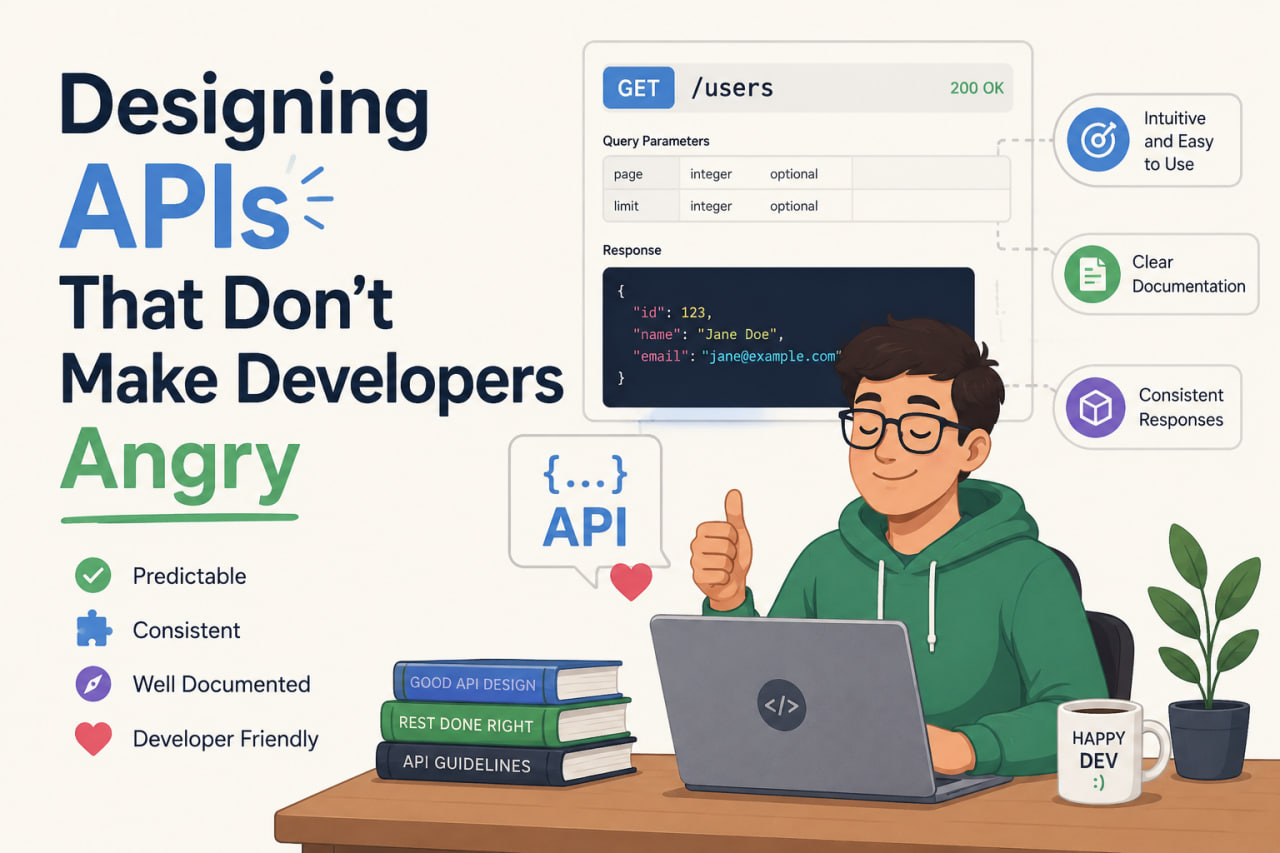
Why API Design Matters
An API is a product. The consumers are developers — either your teammates, third-party integrators, or future-you. A confusing API creates friction at every integration point. A clear API disappears into the background and lets people focus on what they're building.
Here's what I've learned about designing APIs that are a pleasure to use.
Be Consistent Above All Else
Consistency beats cleverness. Developers build a mental model of your API after the first few endpoints. If that model holds everywhere, they can predict behavior they haven't seen yet.
# ❌ Inconsistent — developers have to check docs for every endpoint
GET  /users/list
POST /user/create
PUT  /updateUser/:id
DEL  /users/remove/:id

# ✅ Consistent — the pattern is obvious
GET    /users          — list
POST   /users          — create
GET    /users/:id      — get one
PUT    /users/:id      — update
DELETE /users/:id      — delete
Consistent naming, consistent casing (kebab-case for URLs), consistent response shapes. If you return { data: [], total: 0 } from one list endpoint, return the same from all of them.
Use HTTP Status Codes Correctly
Status codes communicate semantics. Use them precisely:
| Code | When to use |
|---|---|
| 200 | Successful GET, PUT, PATCH |
| 201 | Successful POST (resource created) |
| 204 | Successful DELETE (no response body) |
| 400 | Invalid request — client sent bad data |
| 401 | Not authenticated |
| 403 | Authenticated but not authorized |
| 404 | Resource not found |
| 409 | Conflict — e.g., email already exists |
| 422 | Validation error — valid JSON, but business rules failed |
| 429 | Rate limited |
| 500 | Server error — something you didn't anticipate |
Don't return 200 with { success: false } in the body. Use 4xx/5xx. Clients need to branch on status codes, not parse success flags.
Consistent Error Responses
Errors need a predictable shape so clients can handle them generically:
{
  "status": "error",
  "code": "VALIDATION_ERROR",
  "message": "Request validation failed",
  "details": [
    { "field": "email", "message": "Must be a valid email address" },
    { "field": "password", "message": "Must be at least 8 characters" }
  ]
}
The code field is a machine-readable string. The message is human-readable. details gives field-level errors for form validation. Every error endpoint returns this same shape.
Pagination: Pick One Style and Stick to It
Two viable pagination patterns:
Offset/limit — simple, works well for most cases:
GET /products?page=2&limit=20
→ { data: [...], total: 150, page: 2, limit: 20, totalPages: 8 }
Cursor-based — better for real-time feeds where rows are inserted frequently:
GET /feed?cursor=eyJpZCI6MTIzfQ&limit=20
→ { data: [...], nextCursor: "eyJpZCI6MTQzfQ", hasMore: true }
Either works. Pick one and use it everywhere.
Versioning Before You Need It
Add versioning from day one, even if you only have v1:
/api/v1/users
/api/v1/products
When you need to make breaking changes, you release v2 alongside v1 rather than breaking every existing client overnight. Deprecating v1 is a gradual, managed process.
Document While You Build
The best time to write API docs is when you're writing the endpoint. By the time you circle back, you've forgotten the edge cases.
I use Swagger/OpenAPI for all my APIs. With tools like zod-to-openapi or tsoa, you generate the docs from the code — validation schemas and type definitions become API documentation automatically. No drift between docs and implementation.
// The Zod schema IS the documentation
const createUserSchema = z.object({
  email: z.string().email().describe("The user's email address"),
  name: z.string().min(1).max(100).describe("Display name"),
  role: z.enum(["admin", "user"]).default("user"),
});
The Empathy Test
Before shipping an endpoint, ask: "If I were a developer consuming this for the first time, what would confuse me?" Run it past a teammate who didn't build it. Their confusion points to exactly what needs to be clarified.